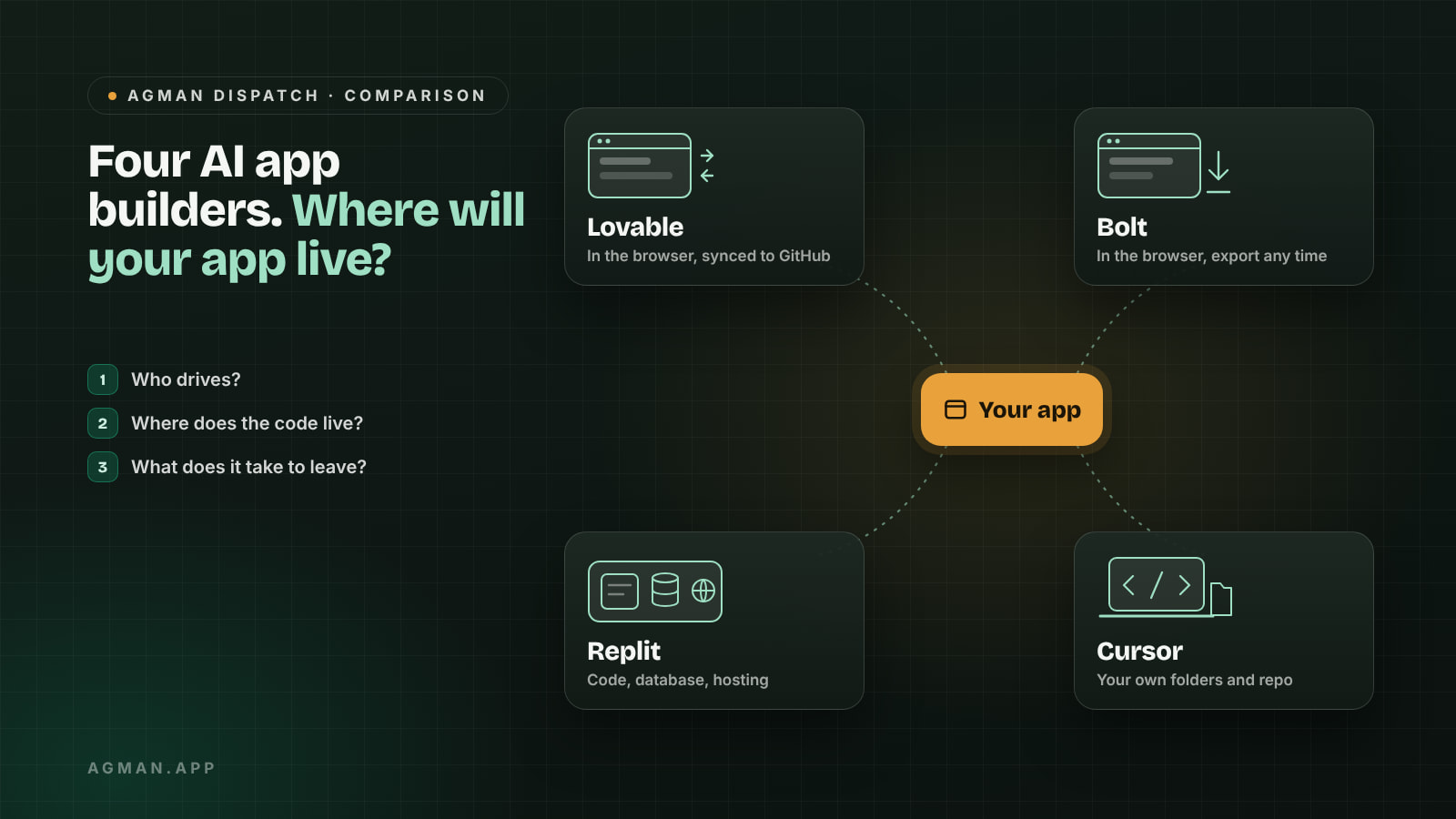
Two people want the same thing: a small web app with sign-ups, a database and a payment page. One has never written code. The other has, but wants to move faster. They both search "Lovable vs Bolt", read four rankings, and come away with four different winners. (The scenario is hypothetical, but the confusion is real.)
The rankings disagree because they judge the first afternoon: which tool turns a prompt into the nicest screen. That matters less than it looks. The decision that's hard to undo is where your code and your data end up once the app works and people depend on it. So this comparison asks three questions instead: who is actually driving, where the app lives, and what it takes to leave.
Details below come from each company's own documentation and were checked on 21 October 2026. Plans change often, so check the pricing page on the day you decide.
Which one should you choose?
The short version:
- Lovable if you don't write code and want a standard web app (accounts, a database, a polished interface) built in the browser.
- Bolt if you want fast prototypes and websites in the browser, with the option to download the code at any point.
- Replit if your app needs a real server, database and hosting in one place, and you're happy for it to live on Replit.
- Cursor if you, or a developer you work with, want to own a normal codebase on your own computer and use AI to change it.
| Lovable | Bolt | Replit | Cursor | |
|---|---|---|---|---|
| What it is | Browser app builder | Browser app builder | Online workspace with an AI agent | AI code editor (a fork of VS Code) |
| Who drives | You describe, it builds | You describe, it builds | Agent builds, you can edit | You or a developer, with AI help |
| Where the code lives | Lovable, with two-way GitHub sync | Bolt; download or connect GitHub | Your Replit App | Your own folders and repo |
| Built-in backend | Lovable Cloud | Bolt Cloud or Supabase | Managed PostgreSQL | None; you choose |
| Free tier | 5 credits a day, up to 30 a month | 1M tokens a month, 300K a day | Daily Agent allowance, one published app | Limited free plan |
Who is actually driving?
Lovable and Bolt start from a conversation. You describe the app, they write the code and show you the result. You can open the code, but the expectation is that you mostly won't.
Replit sits in the middle. Its Agent can plan and build a full app from a prompt, and the same workspace gives you an editor, a database and a publish button if you want to take over.
Cursor is a different kind of tool. According to Cursor's own blog, the team forked VS Code to build it, and its agent works inside a codebase you open. It helps a person who is already driving. If nobody on the project can read code, Cursor is the wrong starting point.
Where does your app live in six months?
This is where the tools differ most, and where most comparisons stop short.
Lovable keeps code in sync both ways with a connected GitHub, GitLab or Bitbucket repository on all plans. The backend is a separate matter. Lovable's guide to hosting elsewhere says the database structure moves through SQL migrations, but table contents and storage files are manual steps, and secrets and connector connections are not part of the export.
Bolt lets you download the whole project as a zip or connect a GitHub repository for ongoing backups, as its project help page explains. We couldn't find documented steps for exporting a Bolt Cloud database, so ask before you store customer data you may want to move later.
Replit builds full-stack apps with a managed PostgreSQL database in every app, and its publishing docs keep production data separate from development. Two details catch people out: a custom domain connection is removed when a deployment is shut down, and Agent-built apps need a server deployment rather than a static one.
Cursor has nothing to export, because the code was always yours. The trade-off is that hosting, the database and deployments are also yours to set up and look after.
None of this makes a browser builder a bad choice. It means the cost of leaving is real, and it's worth knowing before the app has users.
How do they charge?
All four have a free way to start, and all four meter AI work in some way:
- Lovable uses credits. The free plan gives 5 a day, up to 30 a month, according to its billing FAQ. Paid plans add monthly credits, custom domains and code editing.
- Bolt uses tokens. Free accounts get 1M a month with a 300K daily cap, published sites carry a "Made in Bolt" badge and custom domains need a paid plan, per Bolt's token guide.
- Replit includes monthly credits with its paid plans. Its Core plan includes $20 of credits a month, according to Replit's plan docs.
- Cursor revised its plans in October 2026 and now lists its older Hobby and Pro plans as legacy, per its pricing help page.
The practical point: a builder that feels cheap for a demo can cost more once you're fixing bugs every day, because every prompt uses the allowance. Try a real change on the free tier before you pay.
Is picking one tool the wrong question?
Sometimes. Lovable's two-way GitHub sync and Bolt's export mean a project can start in a browser builder and move to an editor like Cursor once it needs closer control. That route is common enough that the builders document it themselves.
The fair counterpoint is that moving has a cost. The backend, the secrets and the hosting all need to be set up again, so it's best done once, on purpose, rather than whenever a tool gets frustrating.
What do these tools leave to you?
Building the app is one part. A working product still needs things none of the four fully handles:
- Email for sign-ups, password resets and receipts. Email4VibeCoder is one option built for this case: it says it offers SMTP set-up for apps made with Cursor, Lovable, Bolt or Claude, with 500 free emails a month.
- A clear specification before you prompt, so the tool builds the right thing. Appspex publishes build-ready specs with workflows, data models and acceptance criteria for use with AI coding agents.
- Users. Our guide to finding your first users covers the weeks after the app works, and getting recommended by ChatGPT covers being found later.
Both listings are on AGMAN, and neither paid for this mention. Their details are what the publishers say, not something we tested.
A quick checklist before you commit
- Decide who will maintain the app in six months: you without code, you with code, or a developer.
- Build one real feature on the free tier, not a demo screen.
- Find the export or GitHub option and try it once.
- Check where your database lives and how you would move its contents.
- Read the pricing page on the day you subscribe.
Where AGMAN fits
If you've built something with one of these tools, AGMAN is a place where people can find it by describing what they need in their own words with Find by Need, and see why each result matches. It won't choose your builder for you, and it doesn't guarantee traffic. If a clear page would help, you can publish one from your app's link and review every detail before it goes live.