You've launched a small website and want one simple answer: is anybody visiting? A full analytics suite feels like too much. You don't want to set up goals and dashboards. You want a number, and maybe a sense of where people are coming from.
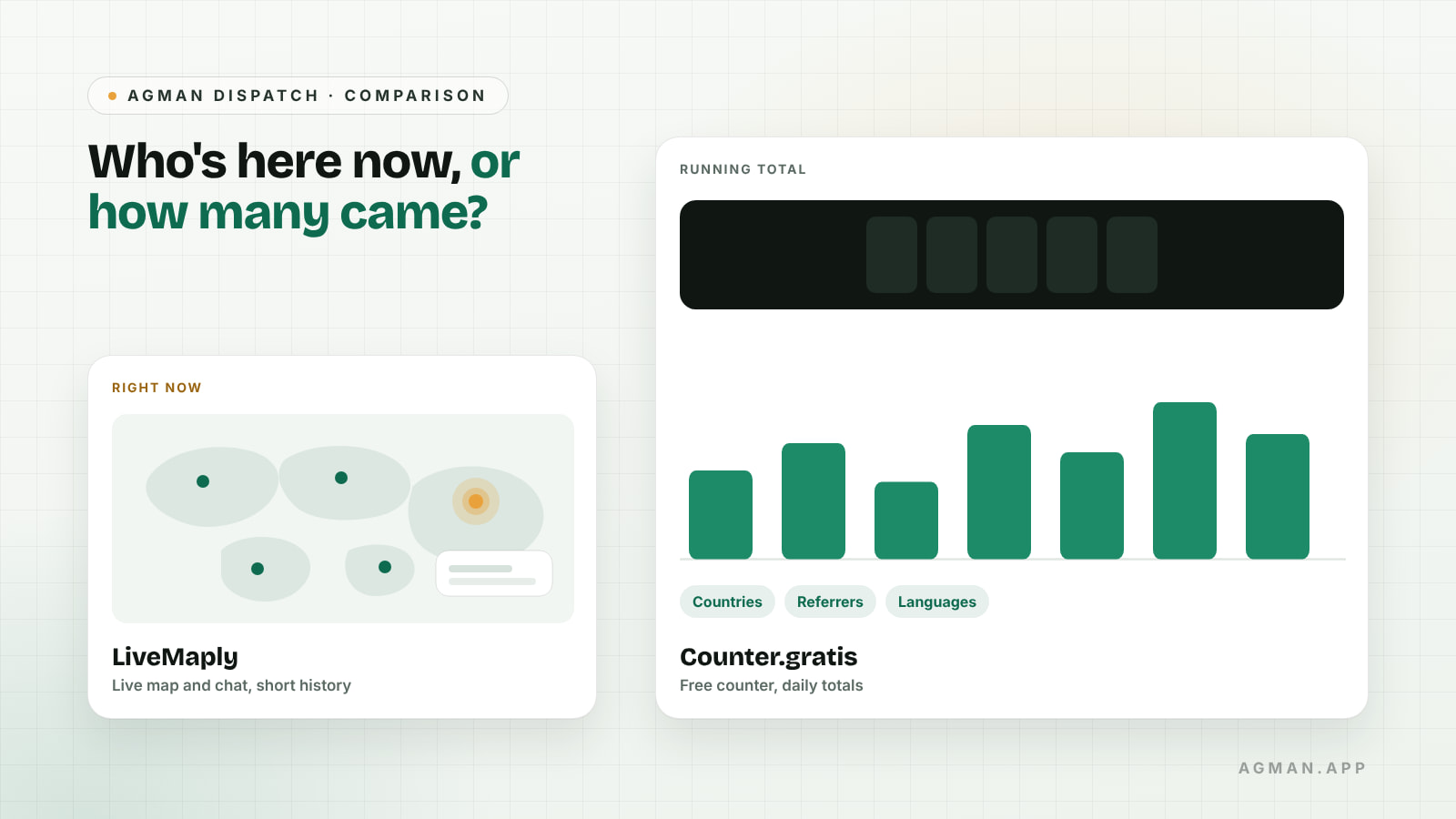
Two tools listed on AGMAN answer that question in very different ways. LiveMaply shows who is on your site right now, on a live map, and lets you chat with them. Counter.gratis is a free visitor counter that keeps a running total with a few useful breakdowns. One is about this moment; the other is about the tally. That difference decides which one fits.
Details below come from each tool's own website and its AGMAN listing, checked on 21 October 2026. They're the publishers' descriptions, not something AGMAN has tested.
Which one should you use?
- LiveMaply if you want to see visitors as they arrive, talk to them through live chat, or spot suspicious traffic, and you're comfortable with a short data history.
- Counter.gratis if you want a free, no-sign-up count of daily visitors and page views with simple breakdowns, and you don't mind the statistics being public.
| LiveMaply | Counter.gratis | |
|---|---|---|
| Main view | Live map of current visitors | Running visitor and page-view totals |
| Live chat | Yes (3-day trial on the free plan) | No |
| Free plan | 1 site, up to 5 visitors at once, 24 hours of data | Free |
| Upgrade | Premium: $9.80 a month or $102 a year | "Counter EXTRA" version with more analytics, per its listing |
| Data history | 24 hours free, 72 hours paid | Totals since you installed it |
| Breakdowns | Pages, devices, browsers, referrers, location | Countries, languages, systems, referrers |
What does LiveMaply do?
LiveMaply puts real-time visitor activity on one dashboard: an interactive map of approximate visitor locations, active pages, devices, browsers and referral sources. Its website lists a free plan for one site with up to five people on the site at once, 24 hours of data and a three-day live chat trial. The Premium plan, at $9.80 a month or $102 a year, covers ten sites with no live-visitor limit, keeps 72 hours of data and adds full live chat and bot-versus-human identification.
Its AGMAN listing also describes Abuse Control, which uses server-side request data to investigate suspicious traffic, with optional Cloudflare protection on Premium.
The limit to understand is history. With 24 or 72 hours of data, LiveMaply tells you a lot about today and very little about last month. That's by design. It's a window, not an archive.
What does Counter.gratis do?
Counter.gratis is a classic visitor counter. You pick one of more than 555 counter styles, copy the code into your page and it starts counting, with no registration and no personal details asked for, according to its homepage. Behind the counter is a statistics page with totals since installation, today's visitors and page views, recent days, referrers, countries, languages, operating systems and screen resolutions, plus a separate count of bot requests.
Two details shape what its numbers mean. First, it counts each IP address once per calendar day (UTC). People who share a network, such as an office, may be counted as one visitor, so treat the number as an approximate count, not an exact one. Second, the statistics pages for sites using it appear at public web addresses. That's fine for a hobby blog. For a client's site or anything sensitive, check that you're comfortable with traffic figures being visible to anyone.
Do you need both, or neither?
You could use both: Counter.gratis for a simple long-running total, LiveMaply to watch a launch day or answer questions while people are on the page. They don't conflict, but each adds a script to your page, so add only what you'll actually look at.
Neither is a full analytics tool. If you need to know which campaign led to a sign-up, how visitors move through a funnel or how this quarter compares with last year, you'll want a dedicated analytics product with long data retention. Both tools here are deliberately smaller than that, which is the point for many small sites.
One more thing for any tool that tracks visitors: check that your site's privacy notice describes it, especially if you have visitors in regions with consent rules.
A checklist before you add a tracker
- Decide which question you need answered: "who's here now?" or "how many came this month?"
- Check how long the tool keeps data and whether that's enough.
- Check whether the statistics are private or public.
- Count how many sites you'll track, against the free plan's limit.
- Add one script, use it for two weeks, and remove it if you never open it.
Where AGMAN fits
Both tools are listed on AGMAN, where you can describe what you need in your own words with Find by Need, such as "a free visitor counter for my blog" or "see website visitors live", and see why each result matches. Neither publisher paid for this article. If you make a tool like these, you can publish a page from your website link and review it before it goes live.