When you need a quick image conversion, a way to organise notes or a simple online utility, the easiest search is often “free tool for [task]”. The difficult part comes afterwards: deciding which result is actually suitable.
A free label tells you very little about how well a product fits your work. Here are four checks that can make the choice simpler.
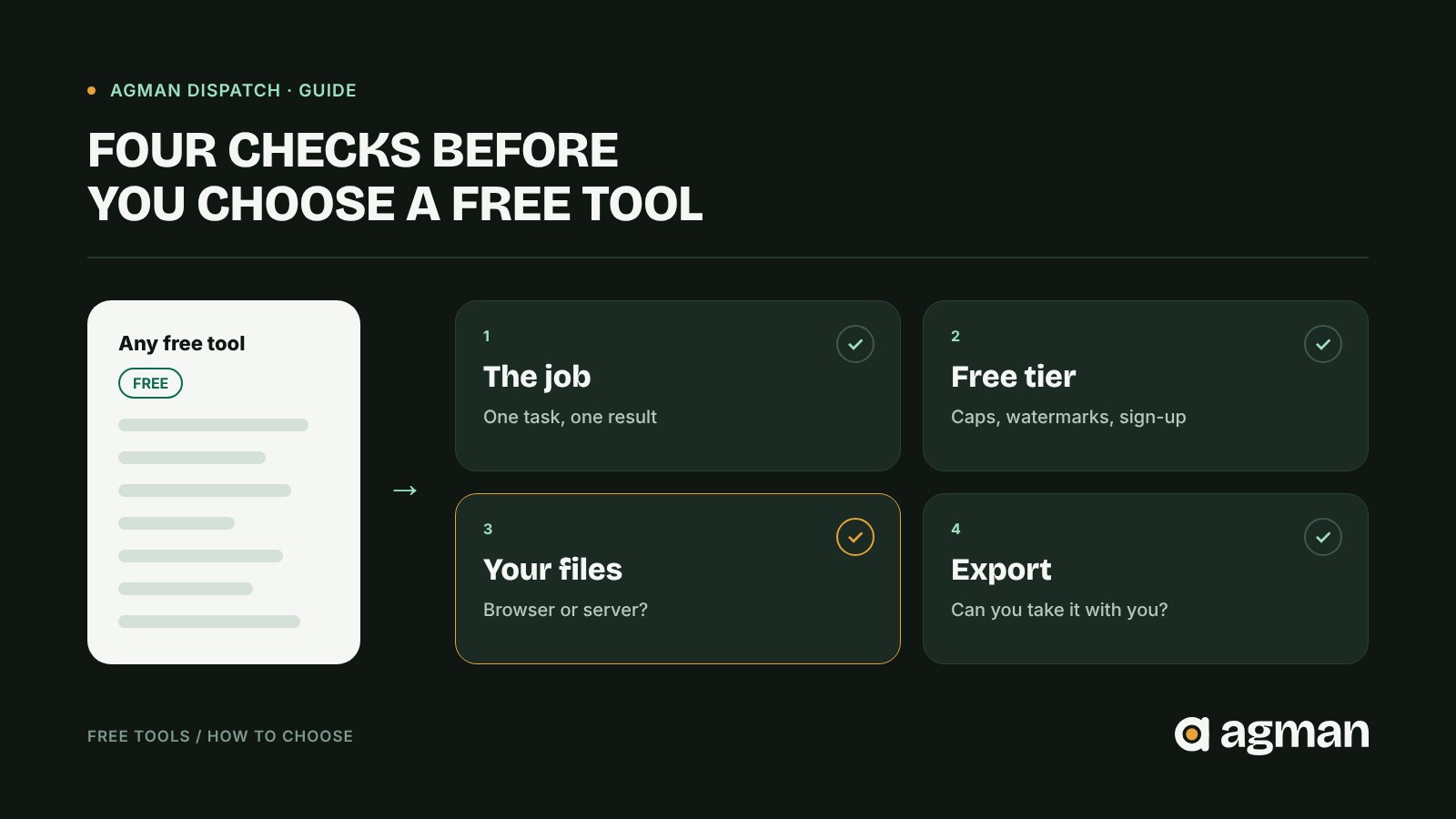
1. Define the job before comparing products
“Image editor” is too broad to be a useful requirement. “Convert a PNG screenshot to WEBP without losing legibility” is much better. The second description lets you rule out tools that solve the wrong problem.
Before opening a shortlist, write down the result you need, the input files involved and what a successful output looks like. A focused utility may be better than a much larger product.
2. Check what “free” actually includes
Free, freemium, open-source and trial access are not interchangeable. Look for export limits, watermarks, supported formats, accounts, usage caps and whether the features you need are free today.
Pricing and availability can change. Treat a product's AGMAN profile as a starting point, then confirm the current terms on its official website.
3. Understand where your files and information go
For document and image tasks, consider whether the product processes files in your browser or uploads them to a server.
For example, Grabivo Image Converter describes converting image formats directly in the browser, including PNG, JPG and WEBP, with size and quality controls. Its listing says no files are uploaded or stored. That is a product claim, not an independent security audit. If you handle sensitive information, review the service's own documentation and test the workflow with non-confidential material first.
4. Look for a workflow you can actually finish
A tool might have an impressive feature list and still make your task harder. Can you save or export the result? Do you understand how to use it? Can you take your work elsewhere if you stop using the product?
Consider studying. Mnemo, a free, open-source desktop app currently listed in beta, combines notes, flashcards and mind maps. That may suit a learner who wants to organise ideas and practise recall within one workflow. Someone who needs a mature, cross-device collaboration system may have different requirements.
The useful comparison is not “Which tool has more features?” It's “Which tool removes the most friction from my specific task?”
A practical checklist
Before committing to a tool, ask:
- Does it do the one job I need?
- What is included in the free version today?
- What happens to the files or information I provide?
- Can I export, keep and reuse my work?
AGMAN's Free Tools Starter Pack is designed as a starting shortlist for practical tasks. Explore the actual product profiles, check the current terms and choose what fits rather than installing every option.
Editorial note: Tool capabilities are described from their AGMAN profiles. This article does not represent an independent security, pricing or product-performance audit.