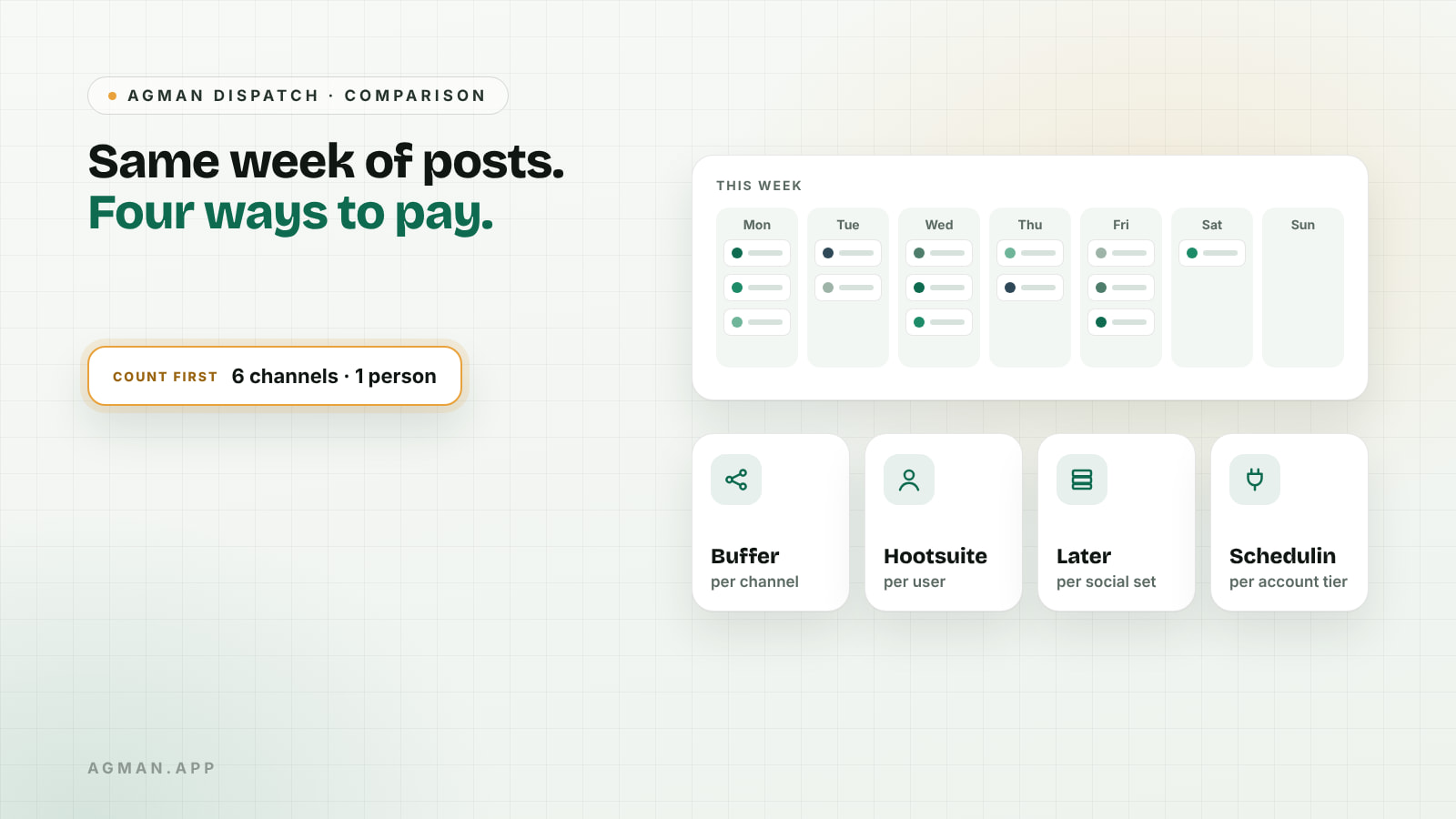
Say you post to six places: Instagram, LinkedIn, X, Threads, Bluesky and TikTok. You work alone. You want to write on Sunday and have the week go out on its own. (This is a hypothetical setup, but a very ordinary one.)
Look up Buffer, Hootsuite and Later and you'll see three starting prices that seem easy to compare. They aren't, because each tool counts something different. Buffer charges per channel, Hootsuite per user, Later per "social set" of profiles, and smaller tools like Schedulin per connected account. A price that looks low for one person with six channels can look very different for a team of four with two.
So before comparing prices, count three things: how many channels you post to, how many people need a login, and which networks you can't do without. The rest of this comparison follows from those numbers.
Prices and features below come from each company's own pages and were checked on 21 October 2026. They're list prices in US dollars before tax, and they change, so check again before you pay.
Which scheduler should you choose?
- Buffer if you're one person or a small team and want a simple tool you can start free.
- Hootsuite if a larger team needs shared inboxes, approvals and listening, and can justify per-user pricing.
- Later if your work is mostly visual planning for Instagram and TikTok and you don't post to X.
- Schedulin if you need many networks, including newer ones, on a small budget, and you're comfortable with a younger product.
| Buffer | Hootsuite | Later | Schedulin | |
|---|---|---|---|---|
| Charges per | Channel | User | Social set (a group of profiles) | Connected-account tier |
| Free option | Free plan, up to 3 channels | Free trial only | See its pricing page | 7-day free trial |
| Entry paid price | $6 per channel a month | $99 per user a month, billed annually | See its pricing page | $5 a month for 3 accounts |
| X (Twitter) | Yes | Yes | No, ended in 2025 | Yes |
| Bluesky | Yes | Yes, on paid plans | Not in its supported list | Yes |
| Threads | Yes | Yes | Yes | Yes |
How does Buffer charge?
Buffer charges per connected channel. Its pricing page lists a free plan for up to three channels, with up to 10 scheduled posts per channel at a time. The paid Essentials plan is $6 per channel a month, or $5 billed annually, and the per-channel price drops above ten channels.
Buffer's supported channels list includes X, Threads, Bluesky, Mastodon, TikTok and YouTube Shorts. One detail matters for video-heavy accounts: some Instagram, TikTok and YouTube posts may arrive as a phone reminder that you finish in the app, rather than publishing automatically.
How does Hootsuite charge?
Hootsuite charges per user. Its plans page lists the Standard plan at $99 per user a month, billed annually, covering up to 10 social accounts, with a free trial rather than a free plan. Higher plans add unlimited accounts and inbox automation.
Coverage is broad. Hootsuite supports Threads, TikTok and YouTube, and added Bluesky publishing for paid plans in 2025. The price makes most sense when several people share the work and use the inbox, approvals and listening features, not just the calendar.
How does Later charge?
Later sells plans by "social sets", where one set holds one profile per network. Its plans cover Instagram, Facebook, Threads, Pinterest, TikTok, LinkedIn, YouTube and Snapchat.
The important limit is X. Later ended support for X on 28 August 2025, and Bluesky isn't in its supported list. If either matters to you, Later is out regardless of price. If your work is Instagram and TikTok first, its visual planning is the reason people choose it.
We couldn't confirm Later's current prices from an up-to-date official page when we checked, so we haven't quoted one. Use Later's pricing page on the day.
How does Schedulin charge?
Schedulin is a smaller, newer scheduler. Its website lists three tiers: $5 a month for 3 connected accounts, $10 for up to 12 and $20 for unlimited accounts, with a 7-day free trial. It says it supports 15 networks, including X, Bluesky, Threads, Mastodon, Reddit and Twitch, and offers an API and an MCP server for AI assistants.
Those are the publisher's own claims, and AGMAN hasn't tested them. Being newer, it also has fewer independent reviews than the other three, which is worth weighing if a missed post would cost you.
What would the six-channel setup cost?
Back to the solo setup from the start: one person, six channels, including X and Bluesky. At the list prices above:
- Buffer: the free plan covers only three channels, so Essentials at 6 × $6 = $36 a month on monthly billing.
- Hootsuite: Standard at $99 a month, billed annually, for one user and up to 10 accounts.
- Later: doesn't fit, because it can't post to X or Bluesky.
- Schedulin: six accounts is more than the $5 tier allows, so the $10 a month tier.
Change the inputs and the order changes. A team of four posting to three channels would pay Hootsuite for four users, while Buffer's price would follow the three channels; check how many team members each Buffer plan includes before you assume that. That's why counting comes first.
Do you need a scheduler at all?
Not always. If you post to one or two networks, their own tools may be enough. Meta Business Suite schedules Facebook and Instagram posts, and LinkedIn's post composer has its own scheduling option. A scheduler earns its cost when you post to several networks, want one calendar, or share the work with other people.
It's also worth being honest about what a scheduler does. It saves time and keeps you consistent. It doesn't decide whether a post is worth reading, and a full calendar of posts nobody needed won't bring users. Our guide to finding your first users covers that harder part.
A checklist before you pick
- Count your channels, the people who need a login and the networks you can't drop.
- Rule out any tool that can't post to a network you need.
- Work out the monthly cost for your real numbers, not the headline price.
- Check whether video posts publish automatically or arrive as reminders.
- Use the free plan or trial for one full week of real posts before paying.
Where AGMAN fits
AGMAN lists products like Schedulin alongside professionals and services, and visitors can describe what they need in their own words with Find by Need to see options with the reason each one matches. Schedulin didn't pay for this mention, and payment never changes the organic order of AGMAN results. If you make a tool in this space, you can publish a page from your website link and review it before it goes live.